Digital Product Releases | 12.31.11
Tags: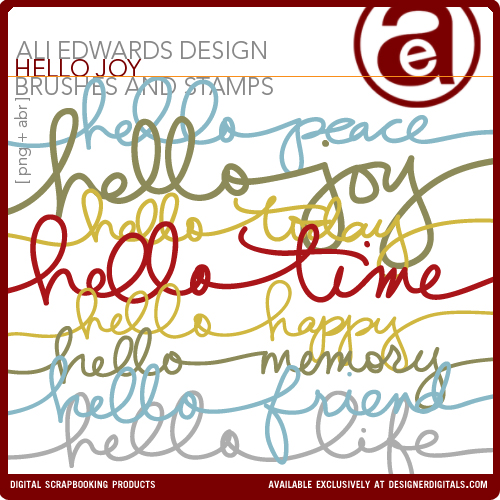
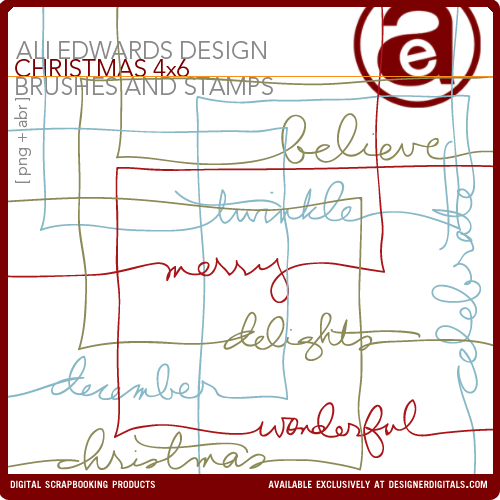
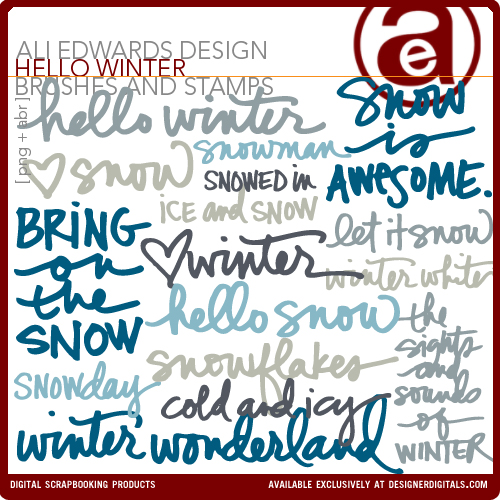
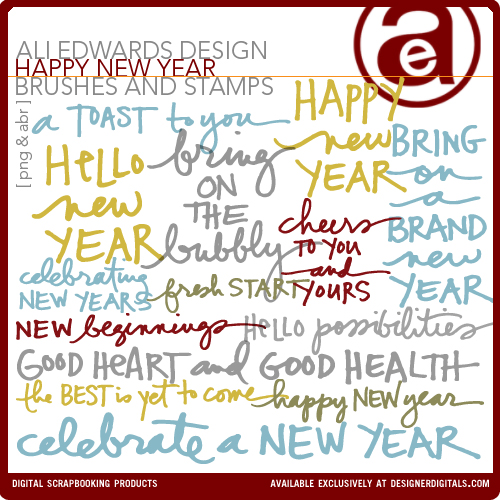
Here's what's new from me the past two weeks at Designer Digitals.
First up is Hello Joy. These are great for cutting with the Silhouette (I used "hello today" here).
If you'd like to learn how to use my files with the Silhouette I did a quick tutorial here.
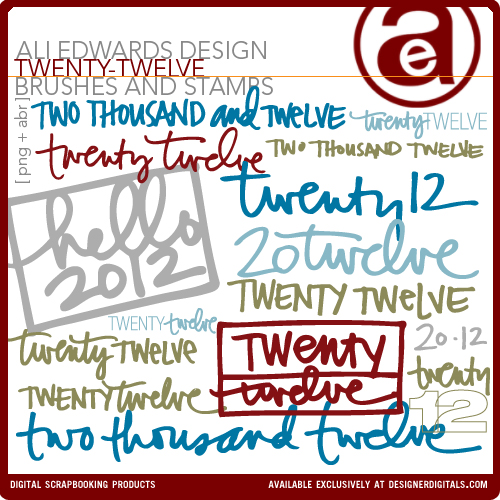
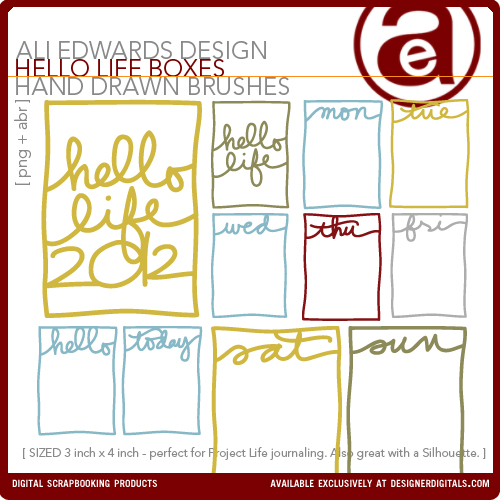
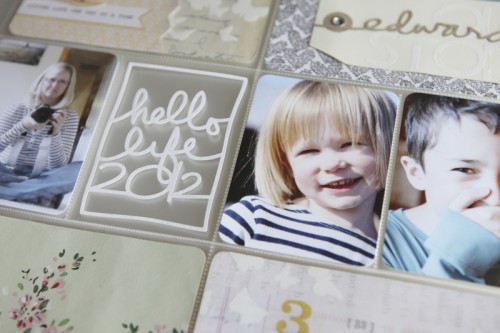
I used the "hello life 2012" on my Intro Page for Project Life - cut with my Silhouette. Full post coming on the 2nd. I've got a tutorial for using my PNG files with a Silhouette here.
Hope you have a safe and fun New Year's celebration!


Comments
Sign in or sign up to comment.
18 comments
Love the "hello life" in your PL album! So cool looking. :)
Replies
Sign in or sign up to reply.
LOVE your digital art... bought a bunch this holiday season (hoping to use in my dd, if i ever finish...)
wishing you peace & love this new year...
p.s. i am SO excited... i signed up for your "one little word" class at bps...can't wait to begin!
xoxo...
~p
Replies
Sign in or sign up to reply.
LOVE these! I need to do some training on how to use them so I can buy them!! Happy New Year Ali & co.!!
Replies
Sign in or sign up to reply.
Yay Ali! I love these for my Silhouette. I am soooooooooo glad you got one! :)
Replies
Sign in or sign up to reply.
I like these more than most things in the silhouette store!! Will be buying and cutting when I get back in town. Happy new year to you and your family!
Replies
Sign in or sign up to reply.
Wishing you a year filled with peace and love. Many blessings as the new year unfolds for you.
Replies
Sign in or sign up to reply.
Happy New Year Ali! Hello 2012!
Replies
Sign in or sign up to reply.
Love the new designs. I guess I'm asking for a Silhouette for my birthday (only have to wait until April). Your PL title page looks great!
Replies
Sign in or sign up to reply.
Spending the last day of 2011 getting the finishing touches done on my PL for 2011. I am anxious to begin 2012! I love, love, love your HELLO brushes! I feel the same way about 2012. Really hopeful. I can't remember being so excited for a New Year to begin! Got my One Little Word . . . ready to GO, GO, GO!
Replies
Sign in or sign up to reply.
I hope that 2012 will bring peace and joy to you.
Replies
Sign in or sign up to reply.
Happy New Year Ali. Hope it is a good one for you all. Regards Paula
Replies
Sign in or sign up to reply.
these are all really great and look nice in your albumn.
Replies
Sign in or sign up to reply.
As always, Ali, these are awesome giveaways! What a great way to begin the new year!
Replies
Sign in or sign up to reply.
Great new digital files! So excited to learn how to use these in the Cameo...endless possibilities!
Replies
Sign in or sign up to reply.
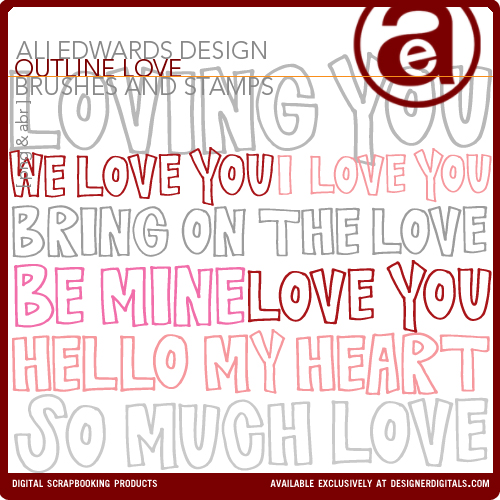
I just bought your Outline Love brushes and I love them! I am wondering if you can point me to a tutorial on how to change the color of the outline? It's black everytime I use it . . .maybe I need more help than just a quick anwer! lol Thanks! Love you!
Replies
Sure thing! Here you go: http://aliedwards.com/2010/01/scrapbooking-with-your-computer-opening-recoloring-adding-to-a-photo-loading-brushes.html
Sign in or sign up to reply.
Thank you Ali! You totally are a rock star ;)
Replies
Sign in or sign up to reply.
I'm intrigued as well as thinking about what you really are covering the following.
Replies
Sign in or sign up to reply.