Silhouette + For The Love Of Days Journal Cards | Video Tutorial
Tags:
I've received a couple of requests recently for a Silhouette tracing/cutting tutorial related to using my For The Love Of Days Journal Cards and For The Love Of Life Journal Cards.
I first used/designed these about a year ago in my Project Life 2012 | Week 13 spread (click on the images below to go to the original post):
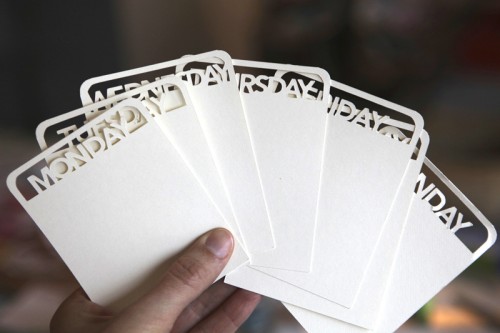
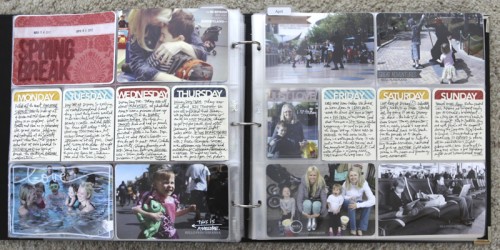
Here's a video tutorial that walks you through the steps of tracing and cutting these journal cards:
AE | Silhouette + For The Love Of Days Tutorial from Ali Edwards on Vimeo.
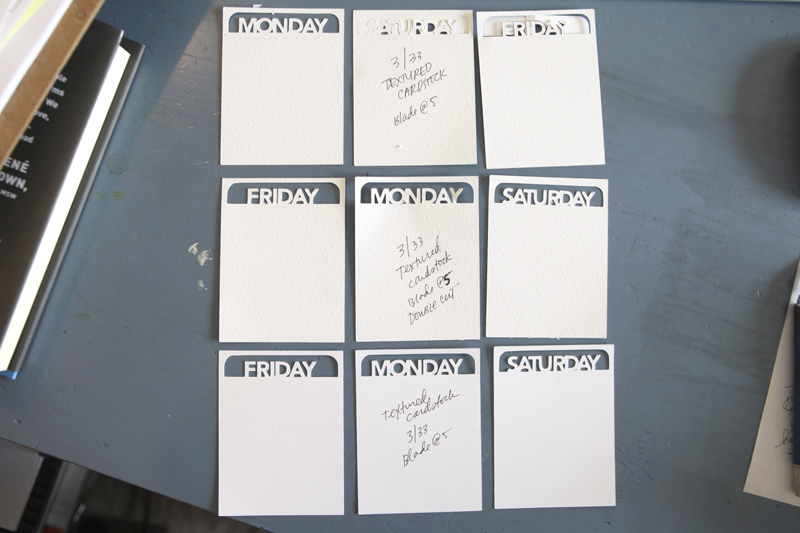
This image is included in the video above and shows how different settings and paper impacted the cuts. The top two rows were using Bazzill textured orange peel cardstock and the bottom row was a non-textured cardstock (that seemed to work the best with this particular design).
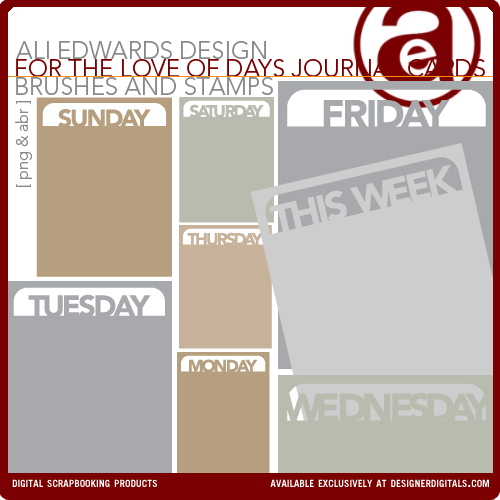
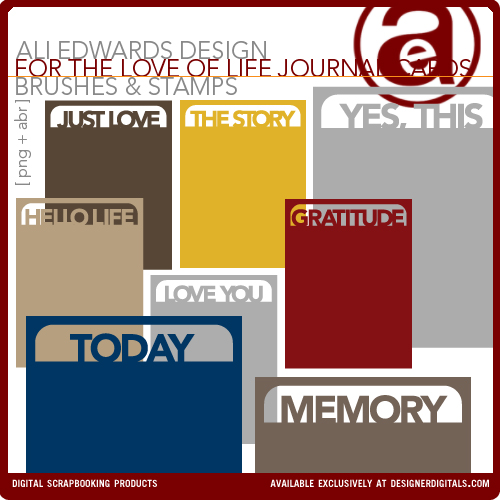
For The Love Of Days Journal Cards and For The Love Of Life Journal Cards
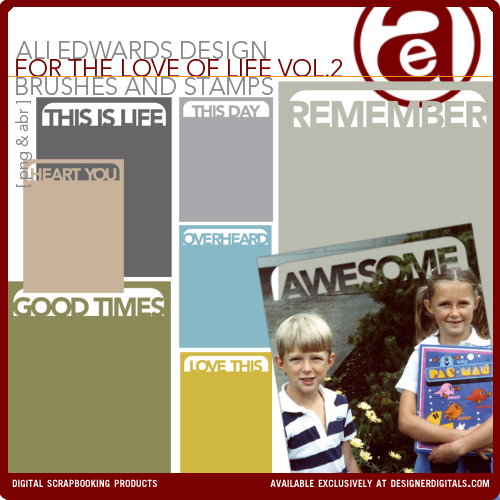
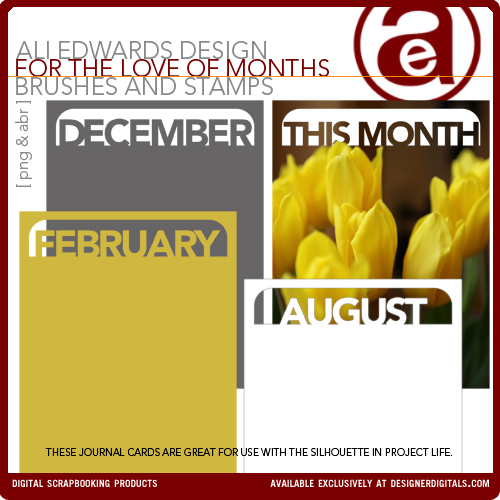
I've also got two more sets of these journal cards coming out on Friday from Designer Digitals.


Comments
Sign in or sign up to comment.
25 comments
Thank you Ali for doing this tutorial - it helped a lot! I can't wait til Friday to order your new products and put those to use as well.
Thanks again,
Laura
Replies
Sign in or sign up to reply.
Thanks Ali. I'm still playing around and learning how to use my Silhouette so your tutorial was perfect for the visual learner in me. Thanks!
Replies
Sign in or sign up to reply.
Thank you!
Replies
Sign in or sign up to reply.
Ok so for those of us who do not have a silhouette this tutorial is torture. Any chance you can sell these pre-cut? I'd be first in line to buy them :)
Replies
Sign in or sign up to reply.
Hi Ali :)
I was wondering if you can do a tutorial or send me to a tutorial on Like if you were to cut out just a regular png file file. I have tons of elements that I just want to cut out like journaling tags and I dont know how to do that ? I have had my cameo for a month now and still can not it hooked up to my printer to print and cut either ? just a hot mess ! thanks you are awesome love all the tutorials.
Replies
Sign in or sign up to reply.
Hint hint:-).............so when is Designer Digitals going to have a FAB sale again because i want (NEED) this whole set of Journal cards and of course the Silouette is also on the top of my 'things to buy' list.........really loving them Ali!!!!
You are a STAR:-)
Replies
Sign in or sign up to reply.
These are AWESOME!!
Replies
Sign in or sign up to reply.
your silhouette tutorials = saving my sanity one video at a time!
thank you thank you thank you!
i just don't know why i cannot figure out my silhouette, but i am making progress with your videos. thanks much!!! and please keep them coming!
love your inspiration!
Replies
Sign in or sign up to reply.
Love this! I don't have a Silhouette, but just seeing how you did this is so wonderful and one more step towards getting me to buy one! Thanks for all you share!
Replies
Sign in or sign up to reply.
thanks so much
Replies
Sign in or sign up to reply.
Thanks Ali, love 'seeing' things done. I find with my cameo that I need to put the blade one notch higher than is recommended in the settings when using textured cardstock. I thought maybe it was just my machine but maybe it's a common problem.
Replies
Sign in or sign up to reply.
[...] watching Ali’s Silhouette Video Tutorial, I redid a few journal cards. They look much better [...]
Replies
Sign in or sign up to reply.
hurray! thanks for the tutorial! i redid a few cards i did before. they look much better now. http://elisaingram.com/project-life-do-over/
Replies
Sign in or sign up to reply.
[...] Earlier this week I posted a Silhouette tutorial on working with products similar to these. Check out how to work with these cards using the Silhouette here. [...]
Replies
Sign in or sign up to reply.
Love your video. I've a new Cameo. Only 2 days old and I'm already cutting png files because of you. I'm loving it.
And now off course I want to buy me some of your digital files. ;0)
Bye Irene from the Netherlands.
Replies
Sign in or sign up to reply.
I cut one of these cards out as a test and it worked great, but it is just a little too wide for the BH page protector pockets. Did you re-size yours at all? I am still pretty new at this Silhouette stuff!
Replies
I didn't this time, but I have trimmed edges in the past. You can easily make it a bit smaller before cutting with the Silhouette too.
Sign in or sign up to reply.
[...] Tracing my For The Love Of Days Journal Cards with Silhouette Studio® Software [...]
Replies
Sign in or sign up to reply.
Ali, Help Me!!
I am new owner of the Cameo Silhouette and for my first big project I am attempting at making my own wedding programs. I do not have a decent printer so I thought I would use the sketch pens to sketch the wording and inside border. My first attempt was flawless and it looked amazing, the problem lies in cutting only the outside border and not everything that I sketched. I've tried grouping the inside border and wording, then removing them to use the cut feature. When I do this the cut is always off and never lines up correctly. Do you know if there is a way to selective only cut certain things on the entire image?
Replies
Sign in or sign up to reply.
[...] This post includes a video tutorial from Ali Edwards walking you through the steps of tracing and cutting using your Silhouette Cameo and Ali designs. [...]
Replies
Sign in or sign up to reply.
Wonderful data, numerous thanks towards author. It is incomprehensible to me now, but in basic, the usefulness and significance is overwhelming. Thanks yet again and fine luck!
Replies
Sign in or sign up to reply.